
Autodesk 3ds Max 2025.2: SVG Import/Export and More
3ds Max 2025.2 adds SVG vector data import and export for 3D modeling and design. Vector images imported as SVG are converted to splines in 3ds Max…
3ds Max 2025.2 adds SVG vector data import and export for 3D modeling and design. SVG vector graphics are converted to 3ds Max splines while retaining colors and strokes, with the option to apply an Extrude modifier. The Data Channel modifier, used to automate complex modeling operations, provides new settings for selecting mesh components, including options for UV seams and open edges.
SVG File Import Import SVG vectors as 3ds Max splines. SVG object color is imported as the spline object color, and colors can also be imported as 3ds Max materials (gradient data is not supported; if encountered, the starting color of the gradient is used). Strokes are supported as renderable spline data.
Vectors can be imported as separate splines or a group. When multiple vector shapes are imported, splines are automatically sorted by Z depth based on SVG layer information. Data can be imported as splines with an Extrude modifier applied. Import as an editable poly is also supported.
Automatic cleanup is available when importing as a collapsed editable poly (automatic welding of nearby spline vertices and cleanup of self-intersecting curves). Scale is preserved. File export 3ds Max spline vector data can be exported as SVG. Object color determines the fill of the SVG object. X position can control layer order and export aggregated data.
Renderable splines are exported as strokes. Unit size is preserved. Note: SVG data is not supported in certain rare edge cases. These include unoutlined text (SVG does not process font information), animations, some vertex join types, embedded raster images, and more. Further support beyond current capabilities is not currently planned.
Flow Retopology for 3ds Max 1.0
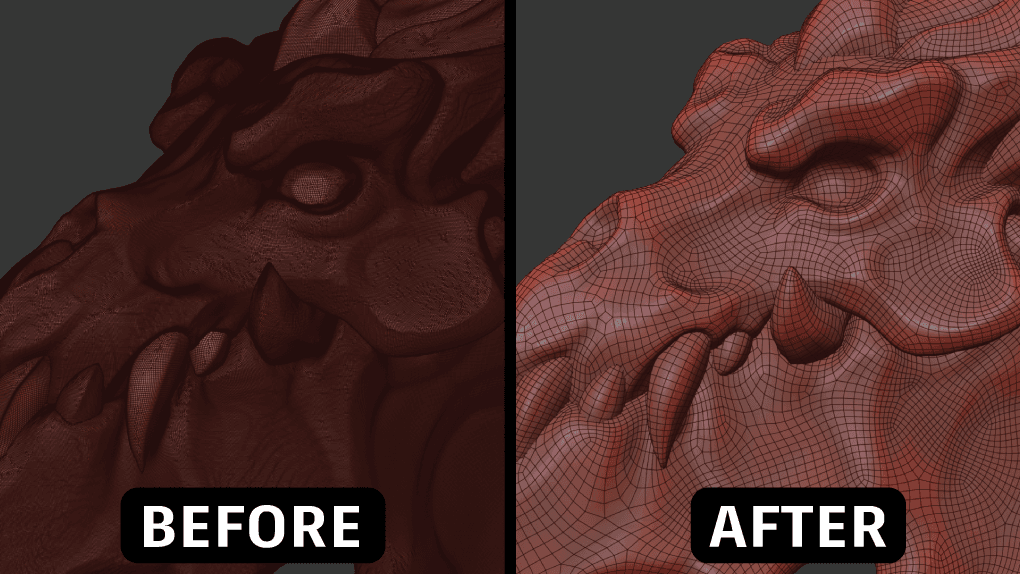
3ds Max 2025.2 users also gained access to Flow Retopology for 3ds Max 1.0, a new plug-in distributed separately from the main application. It offers functionality similar to existing Retopology tools but can submit retopology jobs to run in the cloud rather than on the user’s computer.
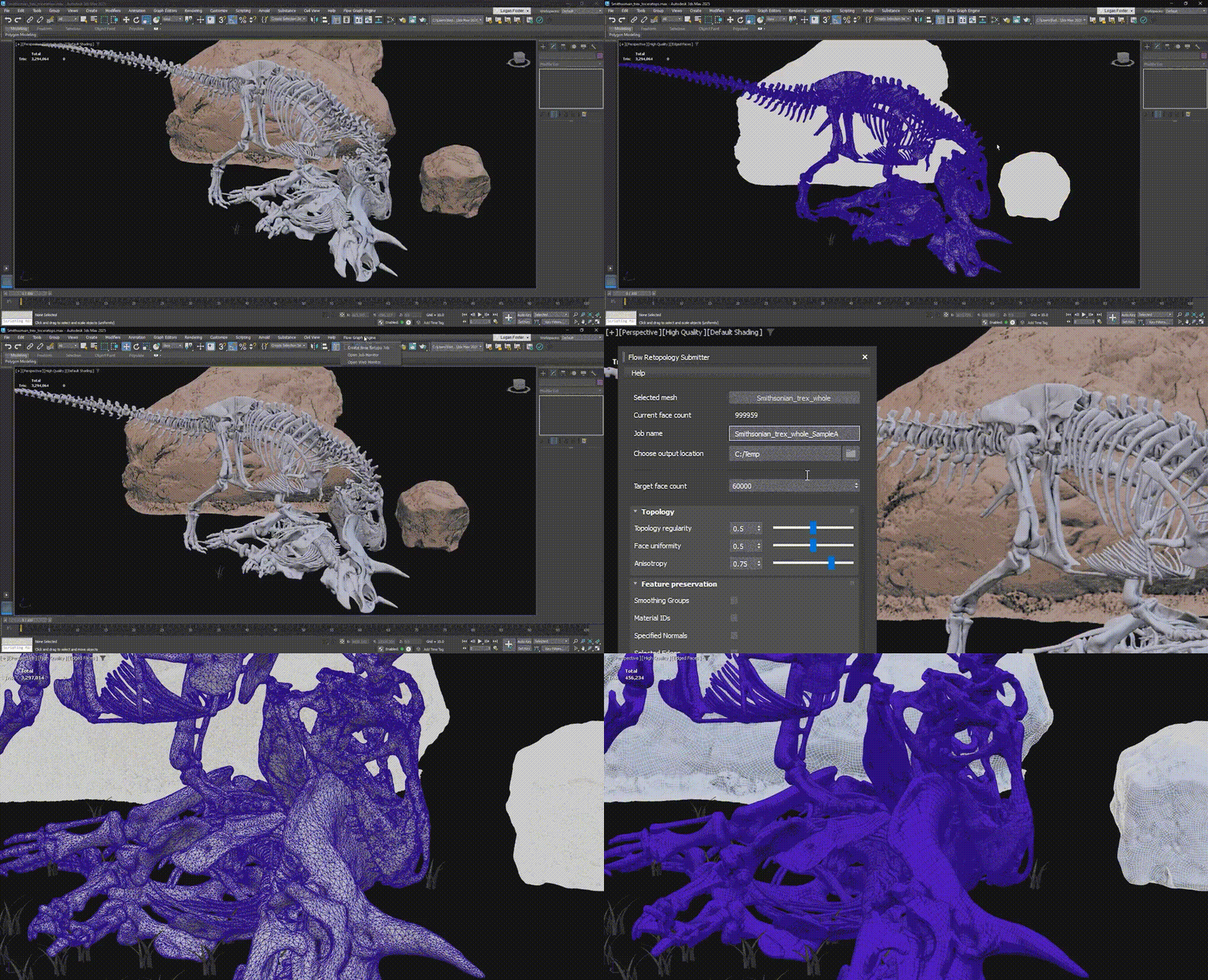
Besides preventing the 3ds Max interface from freezing during processing of complex geometry, such as CAD models or raw scan data, the plug-in can process multiple retopology jobs in parallel. 3ds Max subscribers can run up to 30 cloud jobs per month, provided they take no more than six hours to complete. A version for Maya 2025.1 was released in May.
USD Workflow for 3ds Max
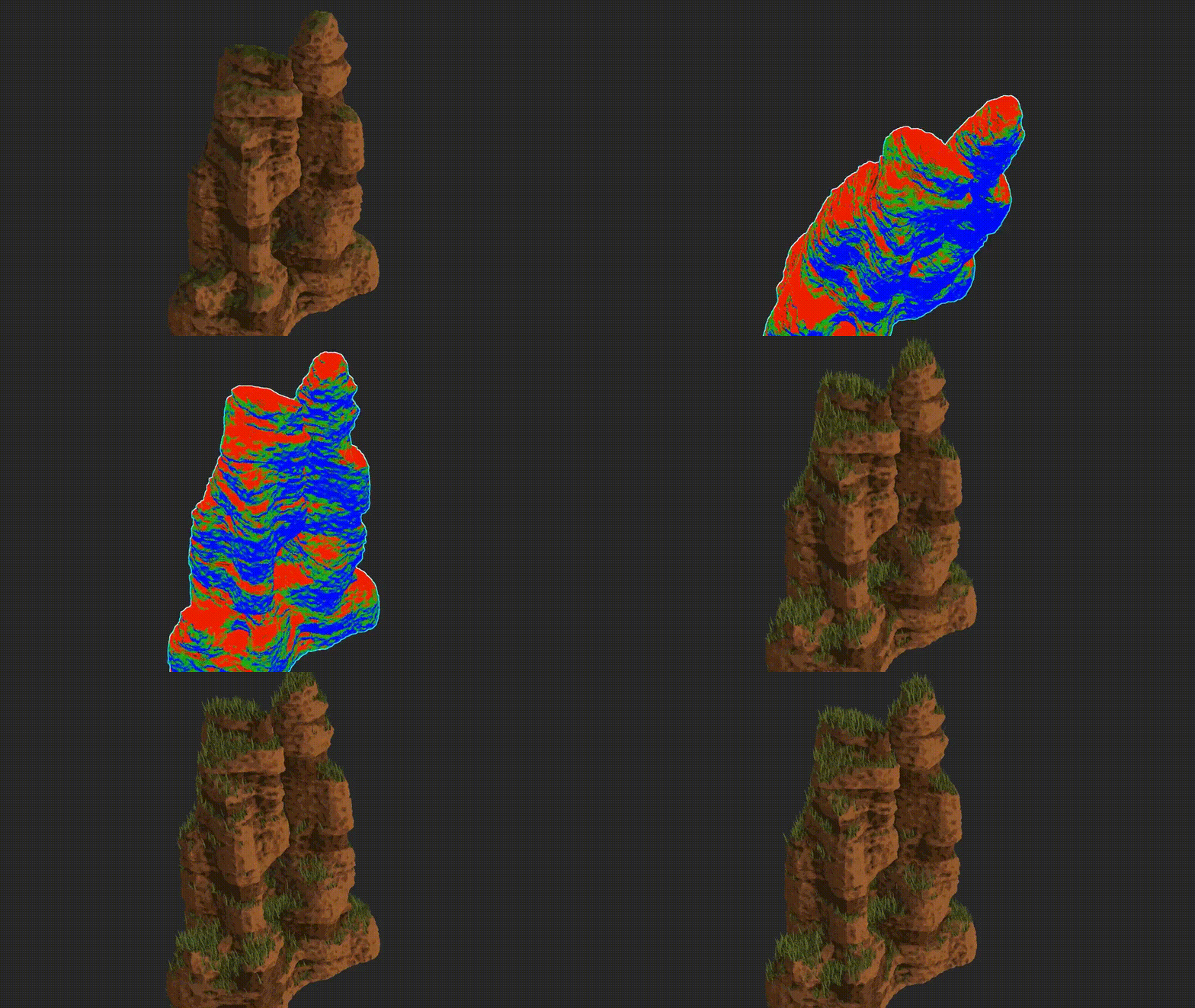
The USD Workflow plug-in for 3ds Max has also been updated to USD for 3ds Max 0.8, adding support for USD cameras inside the 3ds Max viewport. For facial animation, progressive changes generated by the Morpher modifier can now be exported as USD blendshapes. The update also adds new USB controllers and bulk selection of source shapes in the USD explorer. Arnold rendering integration was updated: Arnold for 3ds Max 5.7.2.1 now supports new features in Arnold 7.3.2.
Source: https://render.ru/ , https://help.autodesk.com/