
Autodesk Inventor 2026.1 Update Is Available
Model States adds an option to compare different model states while editing a table. When you select the active state row and additional rows, differences are highlighted…
The First Interim Update for Inventor 2026 Is Now Available and Includes Several Major Improvements. These changes are designed to improve efficiency when working with parts, assemblies, and drawings.
General Improvements
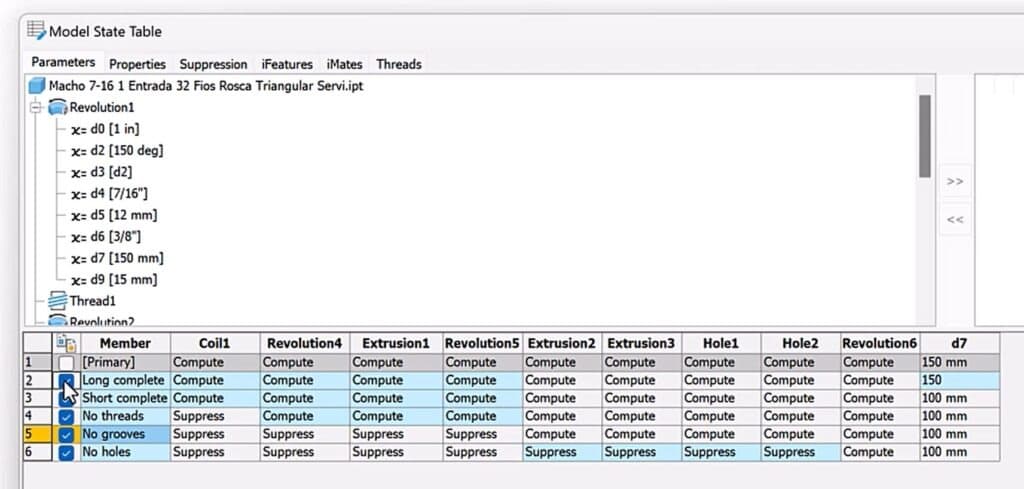
Model States introduces an option for comparing model states while editing a table. Selecting the active state row and additional rows for comparison highlights differences in blue.
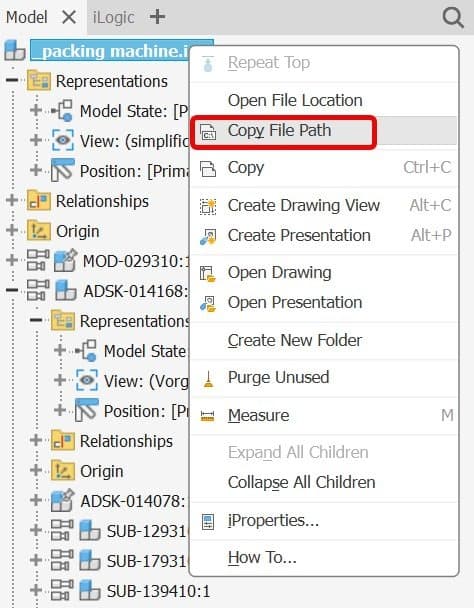
Access to a file path is easier: right-click an item in the browser and select Copy File Path.
More code examples have been added to the API help, making it easier to get started with automation.
Sketches
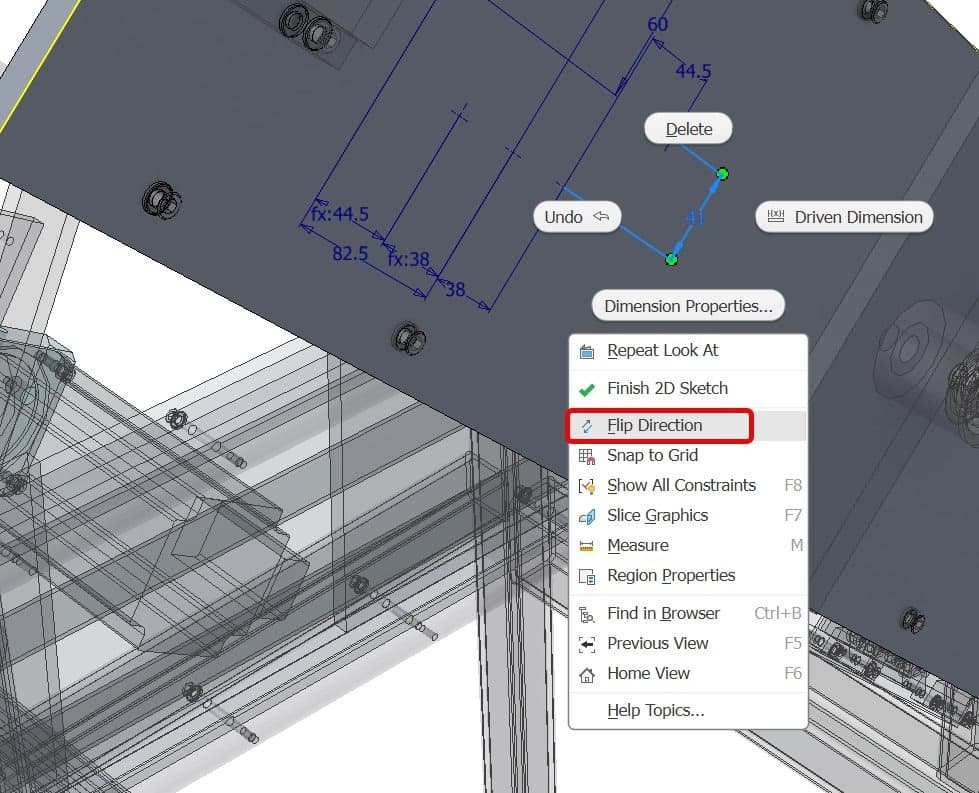
Dimensions can now be flipped. If an object needs to move in the opposite direction, right-click the dimension and select Flip Dimension. The feature supports multiple selection.
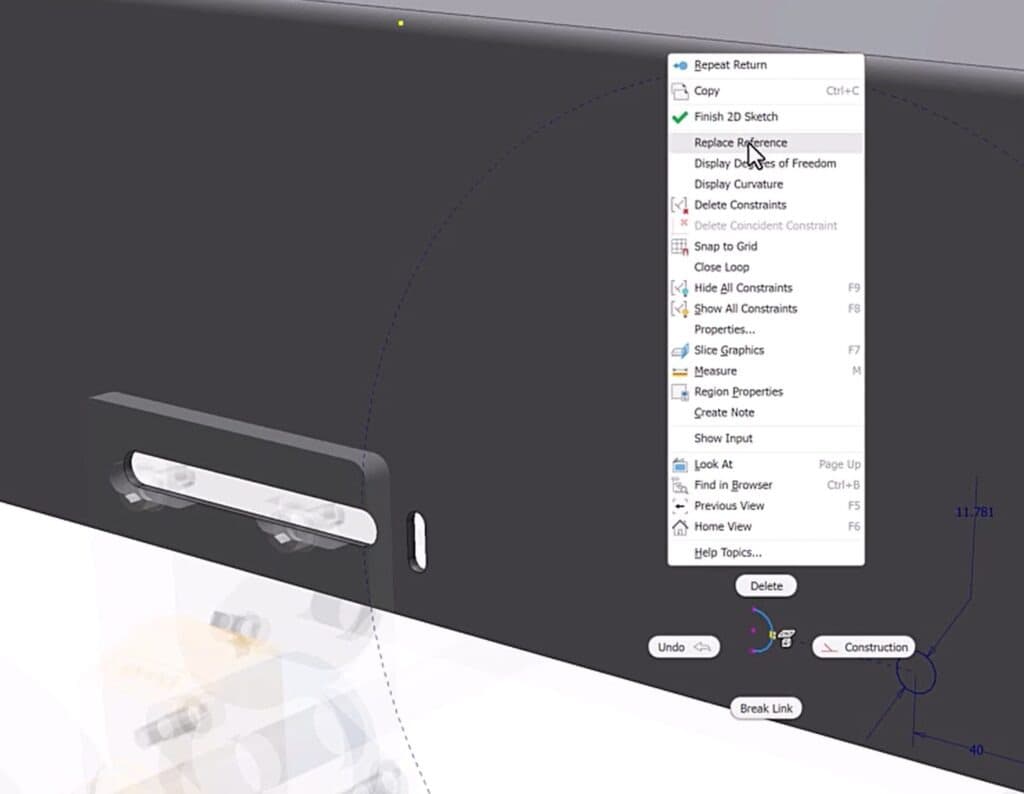
Deleting or suppressing an object referenced by a sketch constraint causes an error. In these cases, the new Replace Reference command lets you select a new element to restore the relationship.
Assemblies
To speed up editing, double-click joints or iMates to modify them directly.
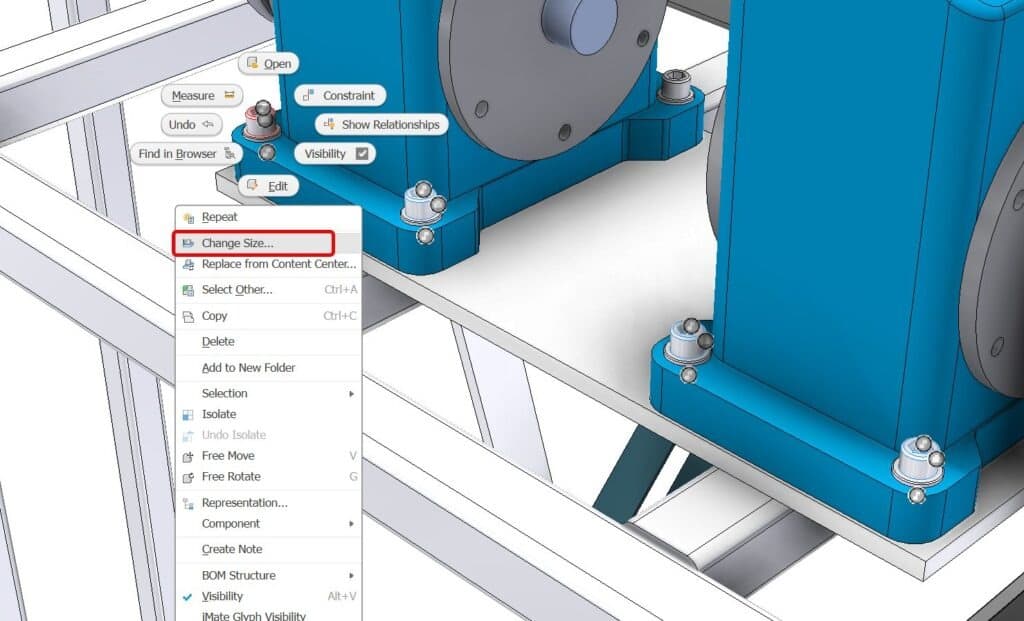
When an assembly contains identical Content Center parts, you can now resize several instances in one step.
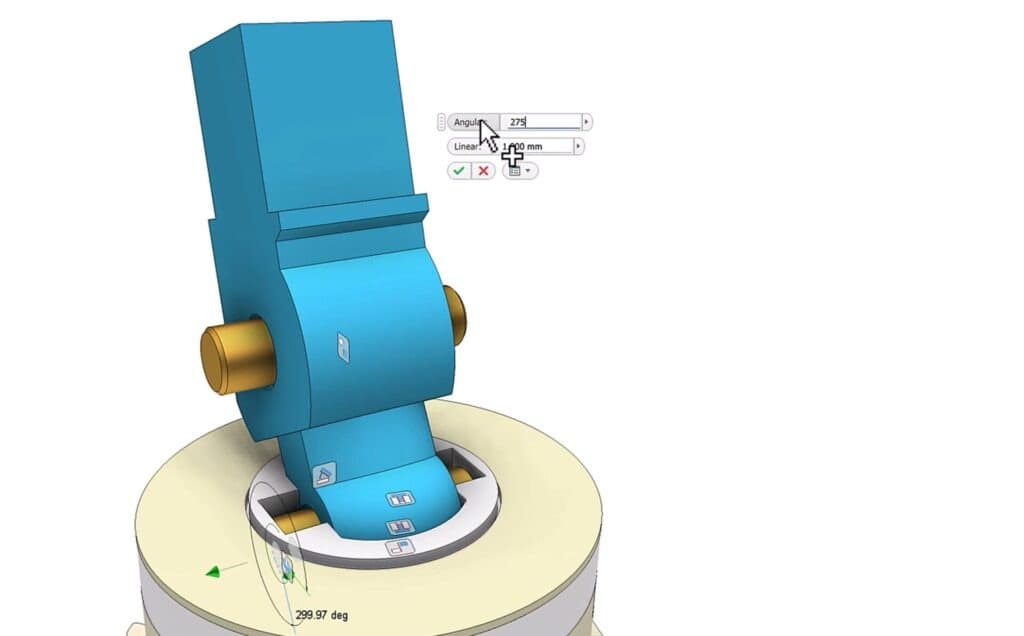
When creating multiple constraints to a plane or surface, you can select a reference and several faces to define all constraints with one command. An indicator shows the number of selected surfaces.
Drawings
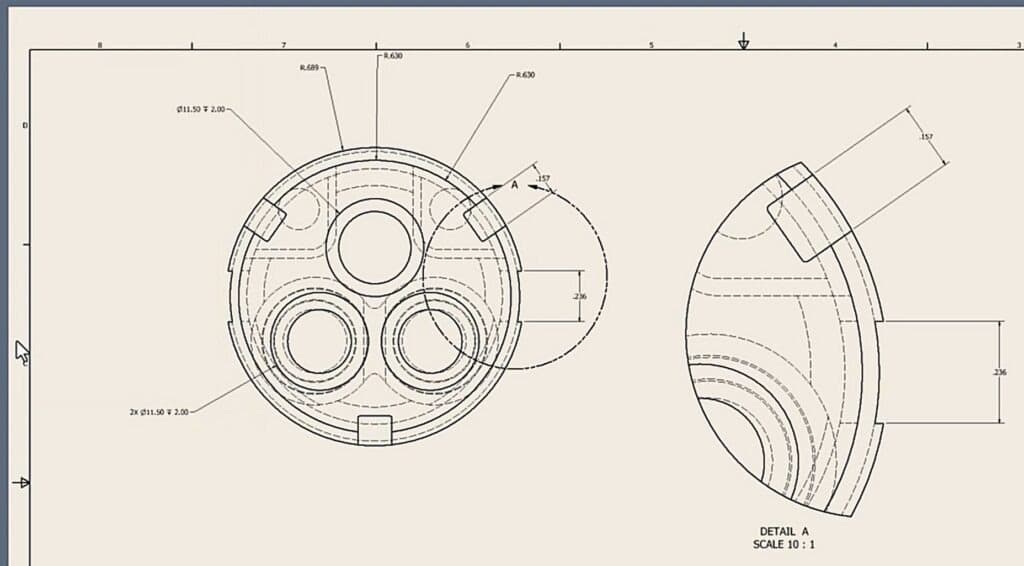
Model dimensions can now be used in multiple views. This is not always standard practice, but it can help communicate information more clearly to manufacturing.
Detail labeling behavior has improved. If the last detail view is deleted, a newly created detail view correctly reuses the available label value.
Conclusion
Inventor 2026.1 shows how an interim update can make work significantly easier. New features save time and improve the design process. Update now to try these capabilities.
If you want to try Inventor or other Autodesk products, contact us. We will help you select and implement the right solutions.