
Which Geomagic Design X Version Fits Your Business?
Geomagic Design X is a recognized reverse engineering solution. Its developer offers three editions: Go, Plus, and Pro. We compare their practical differences and which fits your production needs…
Contents
Geomagic Design X is a recognized standard in reverse engineering. However, its developer offers three editions: Go, Plus, and Pro. We will explain their practical differences and which one best addresses your manufacturing needs.
Let's translate the technical language of polygons and automation algorithms into more familiar business and engineering terms.
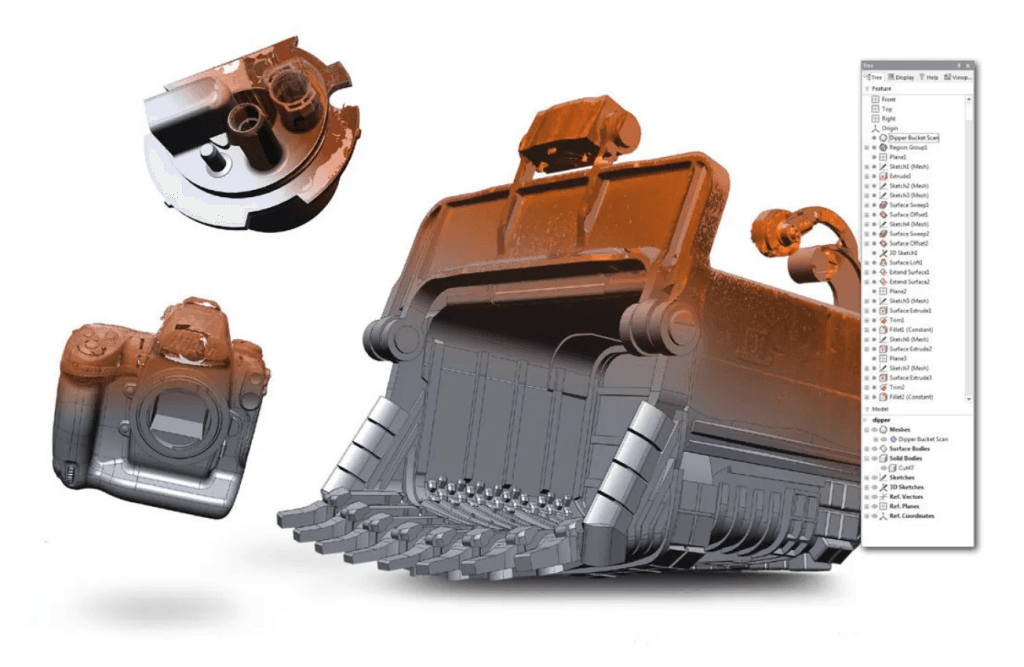
Design X Go: Entry Level for Simple Tasks
The Go edition is your entry point into professional reverse engineering. It is designed as a basic, affordable solution.
Let's compare the software editions to something more tangible, such as choosing a work tool. The basic edition is like a reliable hand tool. You can use it to cut a part out of a blank, but you must do everything manually. Making a good stool or simple box is no problem. For something more complex, though, a visually simple task may take days of careful work.
Go provides basic tools (extrusion, revolution, simple fillets), but the workflow depends heavily on manual engineering effort. It also cannot transfer the feature tree to a CAD system. You export a finished dumb solid (STEP or IGES) that can be used in Inventor or SolidWorks but cannot conveniently be edited step by step.
- Best suited for
- Small workshops and manufacturers working with basic parts.
- What it can handle
- Simple geometric shapes—blocks, cylinders, bushings, flanges, and brackets with straight edges and basic holes.
- Verdict
- Ideal for getting started and simple metal parts, but if a part is more complex than a brick, the engineer will spend considerable time on routine work.
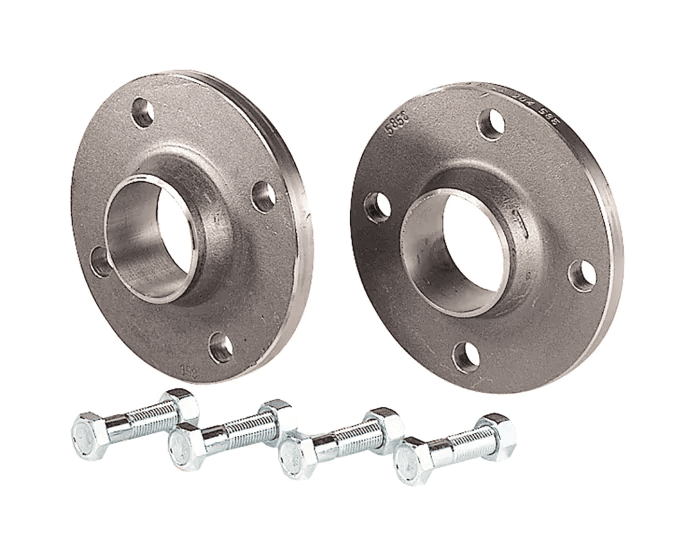
Design X Plus: A Practical, Versatile Workhorse
Plus is the middle ground and main workhorse for most design offices. It is intended for those who need the right balance between software cost and time to results.
It can be compared to a modern programmable CNC machine or a professional power tool. There is no need to cut a part by eye: set the basic guides, and the machine handles straight planes or precise tapered slots. Designing a complex kitchen cabinet set or geometrically intricate furniture with many drawers and fasteners is well suited to automated equipment. But if you need highly complex ergonomic handles designed to fit a specific hand, you will reach another limitation.
Compared with the basic edition, Plus greatly reduces manual routine work. It provides intelligent algorithms and wizards that automate tasks. The software can recognize required features, fit complex fillets, and automatically create extrusions in complicated piping systems. Its main advantage is full parametric connectivity to CAD.
You transfer not just geometry but the entire feature history (LiveTransfer). With one click, you send the model directly to SolidWorks, Inventor, Creo, or NX, where the designer receives a familiar feature tree and can edit any sketch or dimension as if the part had been built from scratch.
- Best suited for
- Engineering companies, manufacturers, and factories reverse engineering assemblies and mechanisms.
- What it can handle
- Medium- and high-complexity mechanical parts, including cast metal and plastic components, complex housings, impellers, engine components, pumps, and draft-angle features.
- Verdict
- An excellent choice for everyday engineering. It saves time on conventional mechanical work and pays for itself through fast feature-tree transfer, but it is less suitable for complex organic shapes or artworks.
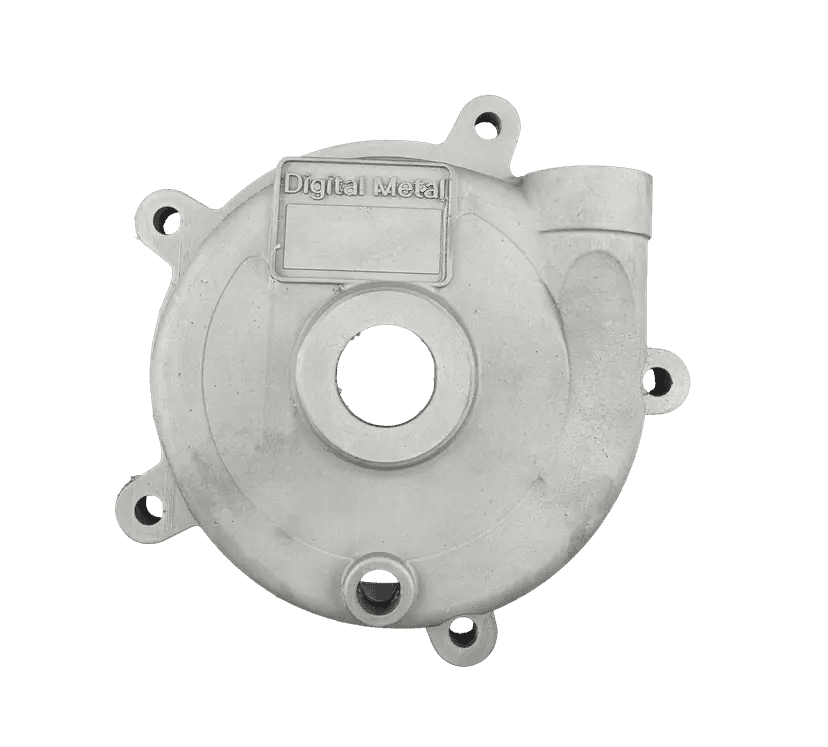
Design X Pro: Maximum Capabilities
Now for the most interesting part. If we compare basic factors such as interface speed and CAD feature-tree export, Pro does exactly what Plus does. So why pay more?
The answer is one word: organic geometry.
Consider the cost of upgrading equipment. Why do we pay for a more advanced machine? Usually because new tasks exceed the capabilities of what we already own. That is how a five-axis CNC milling machine enters a workshop. It does everything the previous machine could do, at the same speed and with the same memory, but with an additional capability.
It is no longer limited to flat boards and right angles: its cutter moves in any direction and produces even highly unusual shapes. Carving a statue from a solid piece of wood or reproducing a broken antique vase (complex organic forms, sculptures, body panels) becomes feasible.
Where a part has no clear geometric features—no cylinders or planes—Go and Plus require extensive manual work. Pro offers automatic surface creation (Auto-Surface). Using AI algorithms, it fits complex scan data with accurate NURBS surfaces while accounting for curvature and tolerances. Work that could take weeks by hand can be completed in minutes.
- Best suited for
- Specialist design firms, aerospace, automotive body engineering, restoration, and anyone working with complex organic forms.
- What it can handle
- Virtually anything, from an aircraft turbine blade and an ergonomic car steering wheel to antique moldings, human faces, and custom medical prostheses.
- Verdict
- The fastest payback when handling large volumes of nonstandard orders.
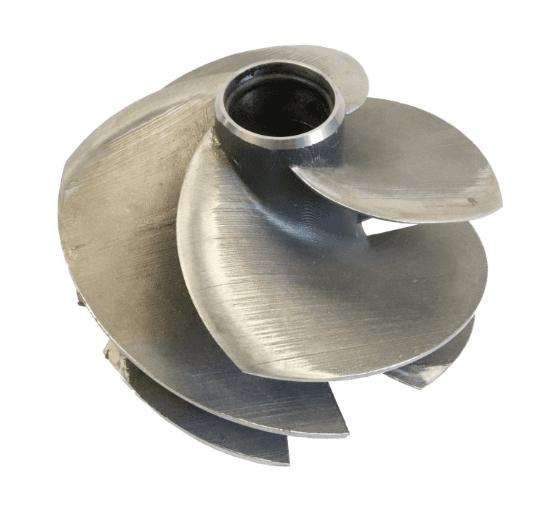
Choosing a Geomagic Design X edition is a matter of practicality. It makes no sense to overpay for advanced software to draw simple rectangular blocks, or to try building an aircraft turbine manually in the basic edition. The right program helps save the most valuable resource in any manufacturing operation: engineers' time.

Article author: Danil Vyacheslavovich Plyusnin, Product Manager at CAD.kz
Still have questions or unsure which Geomagic Design X edition best fits your manufacturing requirements?
Contact us. We will review your needs in detail and help you make the right choice.
Tel.: 8 (7172) 57-70-75, 57-80-28
- Mobile
- 8 (701) 550-18-93 (+Whatsapp)
- o ffice@cad.kz